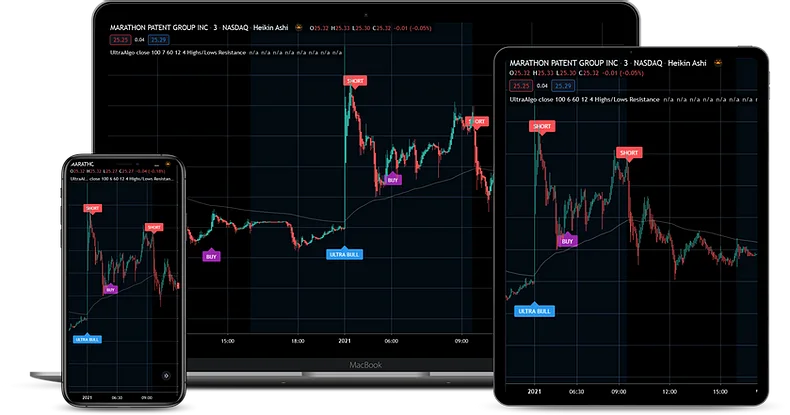
Trading VPS
NinjaMobileTrader
A dedicated Windows VPS for NinjaTrader, PropFirmConnector, and your trading tools.
- Access from desktop, tablet, or phone
- Keep your trading workspace together
Software and services for your trading workspace.
A dedicated Windows VPS for NinjaTrader, PropFirmConnector, and your trading tools.
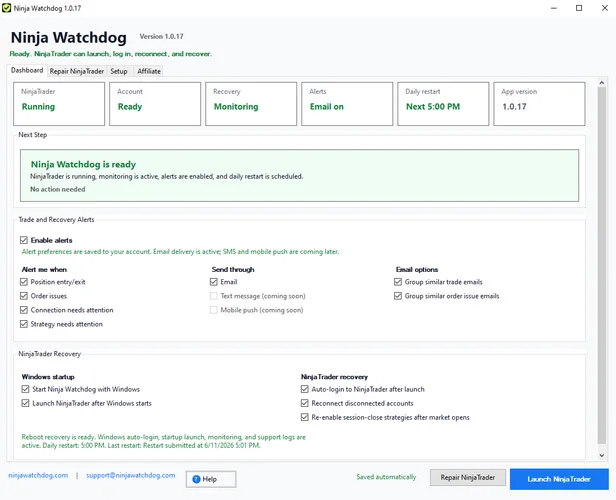
Automatic monitoring and recovery for NinjaTrader 8 on Windows.

Rithmic futures Evals and Straight-to-Funded simulated accounts. Launching October 1, 2026.
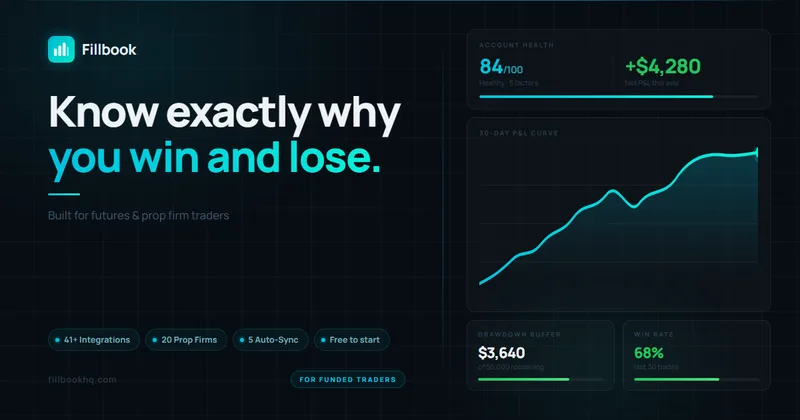
Prop-firm trading journal for futures traders with native NinjaTrader auto-sync.
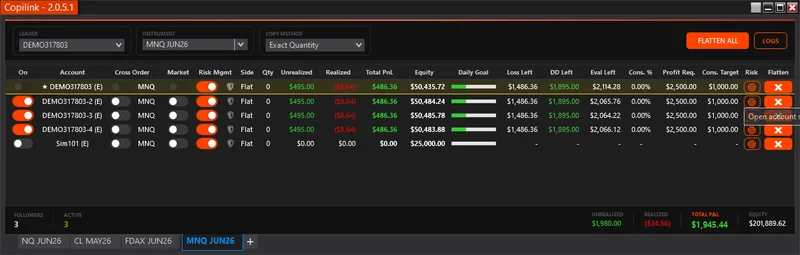
NinjaTrader 8 trade copying for multi-account and prop firm traders.
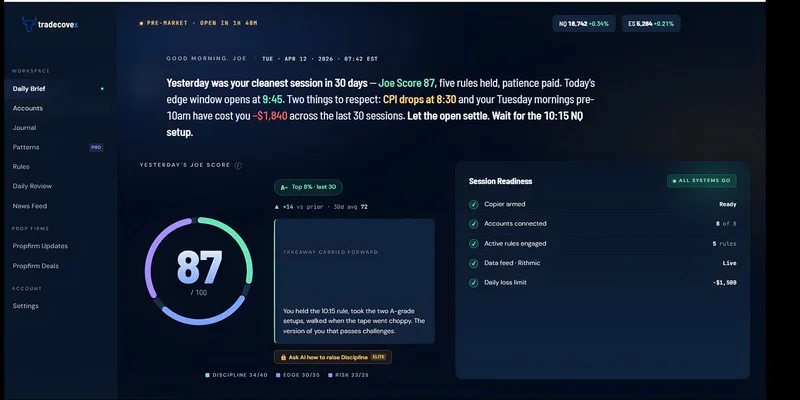
A NinjaTrader trade copier with an AI trading journal.
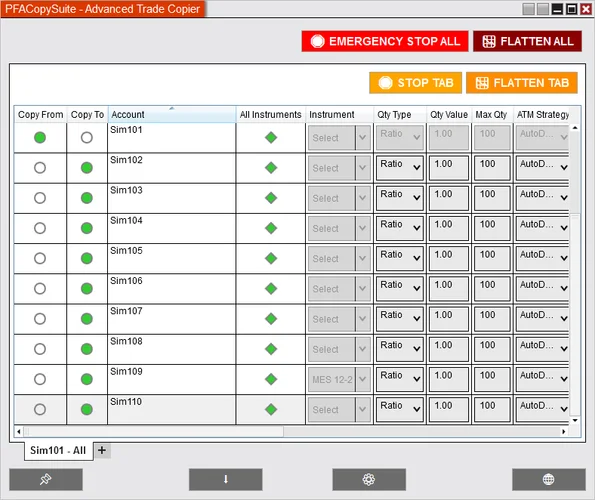
A NinjaTrader 8 copier for prop firm and multi-broker accounts.
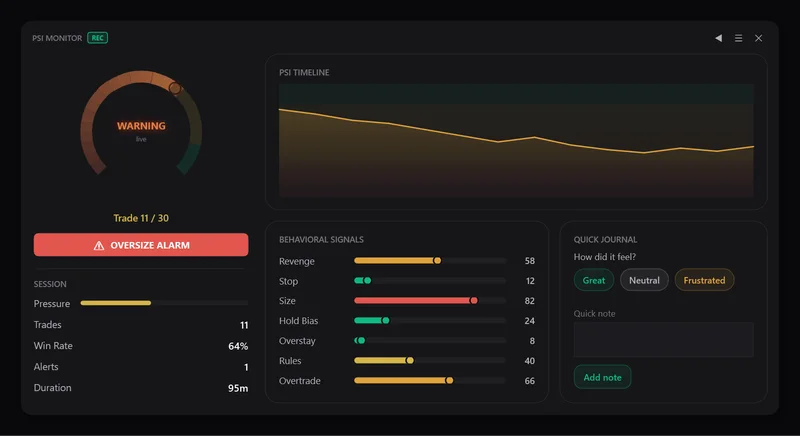
Behavioral risk controls for your NinjaTrader 8 trading sessions.
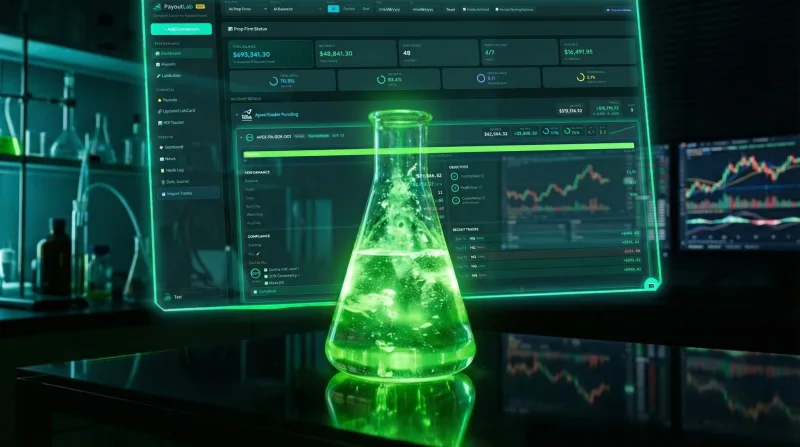
Track prop accounts, drawdowns, and payout eligibility in one dashboard.
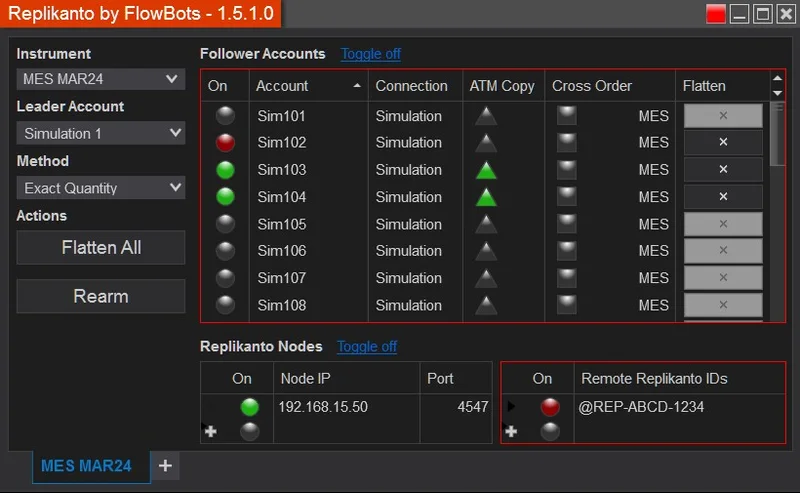
Copy trades between leader and follower accounts inside NinjaTrader.
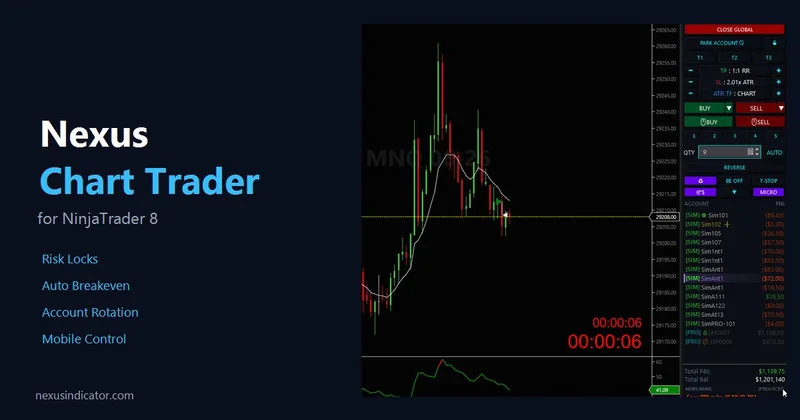
A feature-rich Chart Trader alternative for NinjaTrader 8 with faster execution and position management.
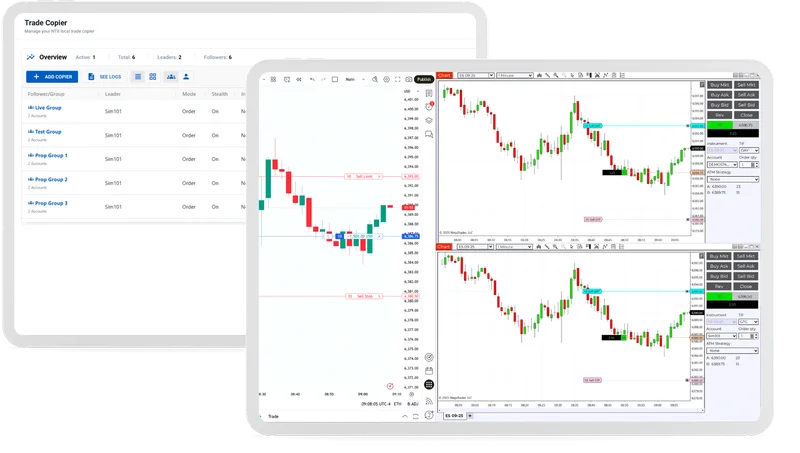
Connect external signals and automate your NinjaTrader workflow.

Indicators and chart tools for NinjaTrader traders.
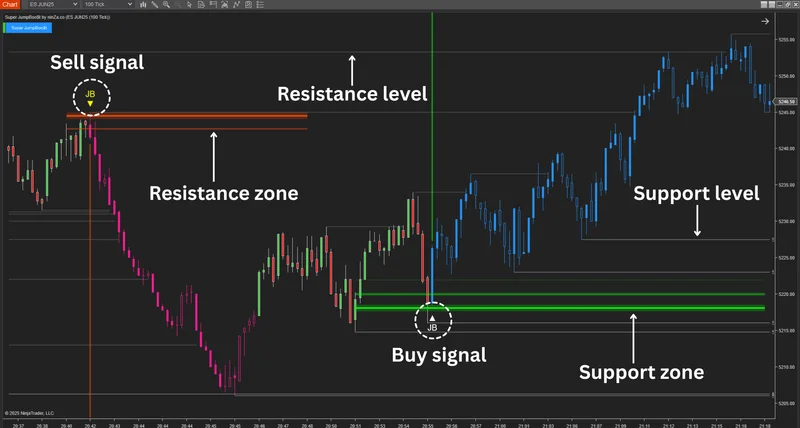
Support-and-resistance signals for NinjaTrader 8 from ninZa.co.
10% off with code NINZA.
Visit website
Three Volume Profile indicators for NinjaTrader 8 in one toolkit, from ICF Market.

Order-flow analysis tools for NinjaTrader 8 futures traders.

Premium NinjaTrader 8 indicators for futures, forex, and more.
Futures indicators and trading tools for NinjaTrader and MetaTrader.
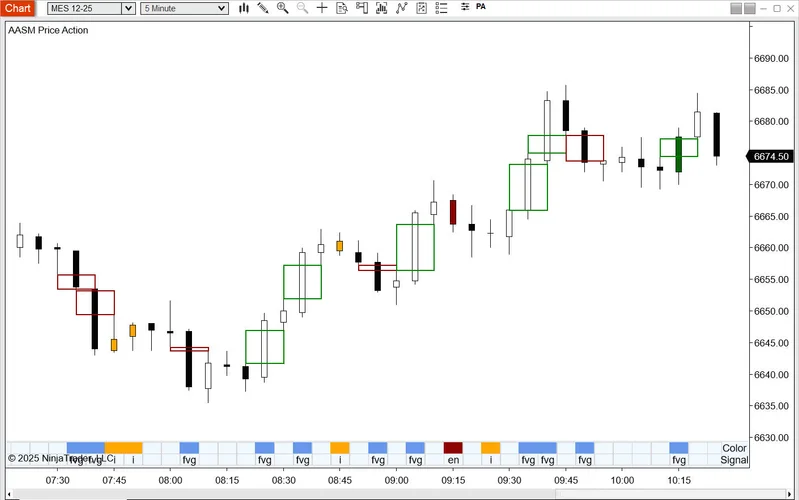
NinjaTrader 8 indicators for price action and market structure.
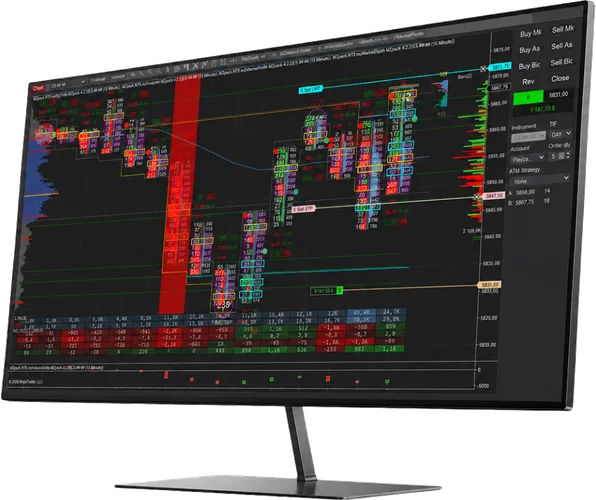
Order-flow indicators and strategies for NinjaTrader.
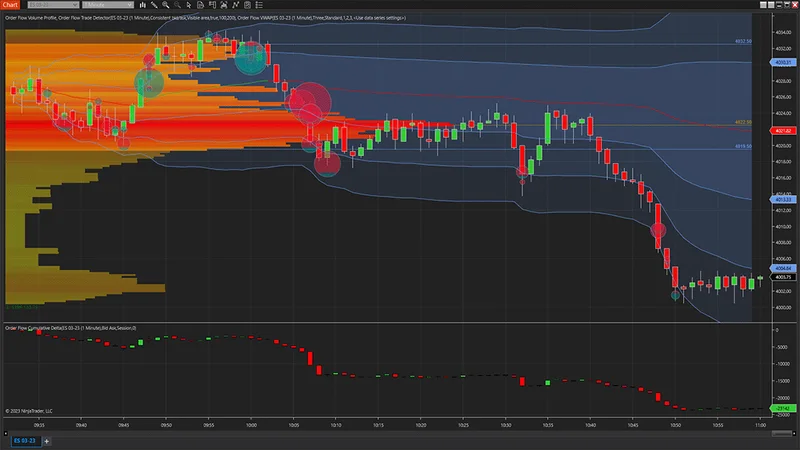
NinjaTrader’s native suite for reading order flow.
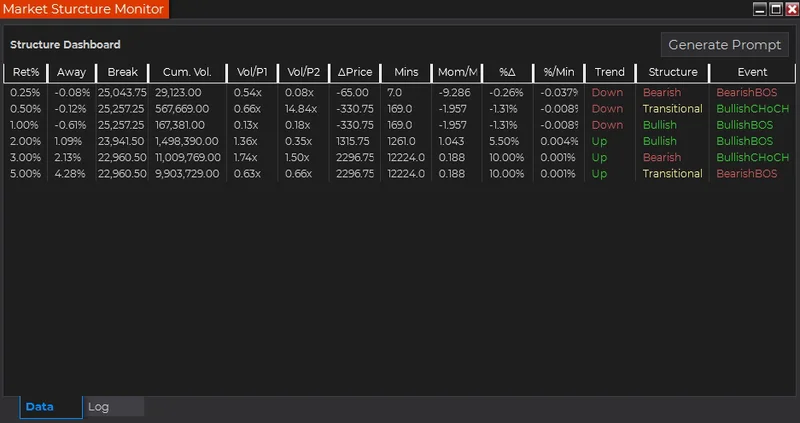
Custom NinjaTrader indicators, strategies, and automated systems.
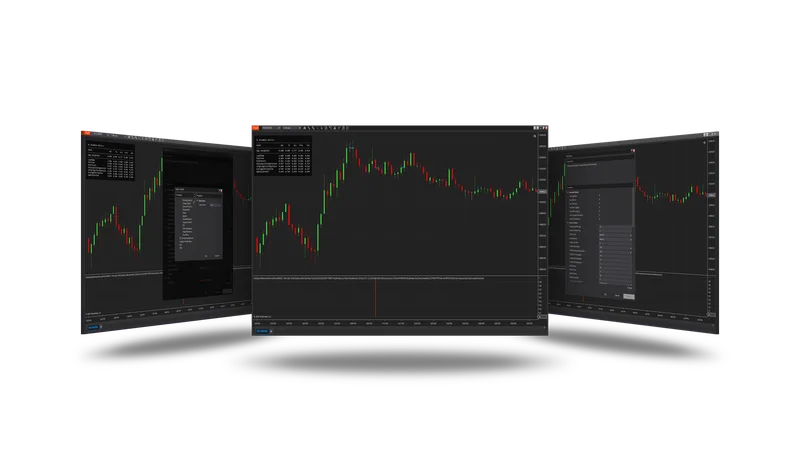
Machine-learning indicators, strategies, and add-ons for NinjaTrader 8.
Turn your NinjaTrader indicator signals into automated strategies.
10% off with code NINZA.
Visit website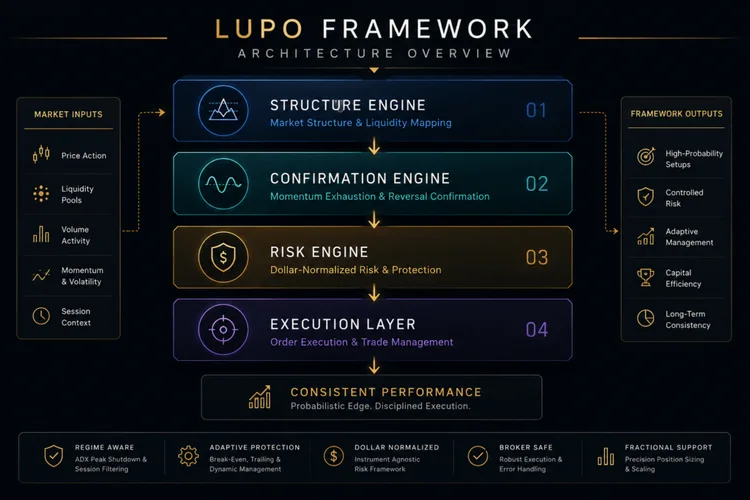
NinjaTrader execution frameworks for liquidity and structure traders.

Automated futures strategies for NinjaTrader 8 and prop firm accounts.
PropFirmConnector customers: 10% off via this link or code PFC.
Visit website
NinjaTrader strategies designed around prop firm trading rules.
PropFirmConnector customers: 20% off your first month with code PFC.
Visit website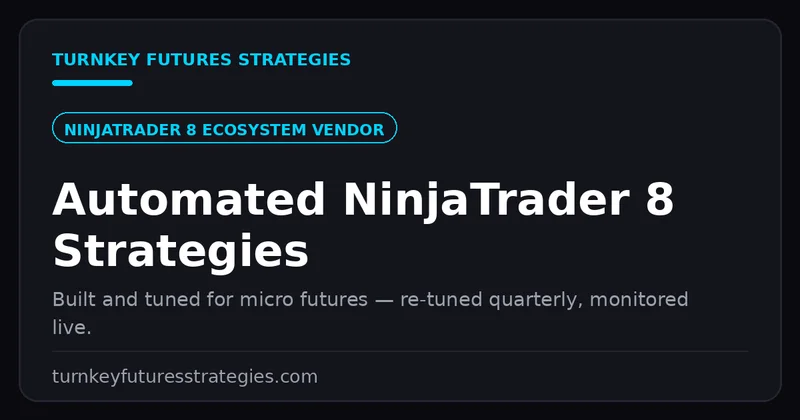
Automated NinjaTrader 8 strategies for CME micro futures and prop firm Evals.
PropFirmConnector customers: 10% off via this link or code PFC.
Visit website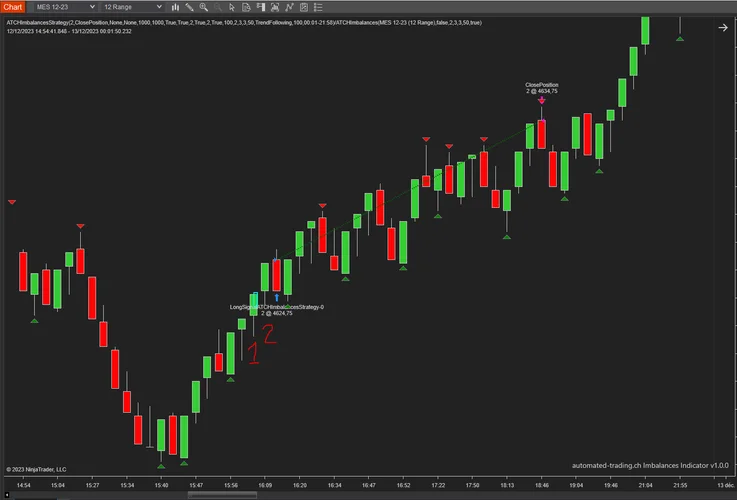
Algorithmic strategies and indicators for NinjaTrader 8.

Automated and discretionary execution tools for NinjaTrader.
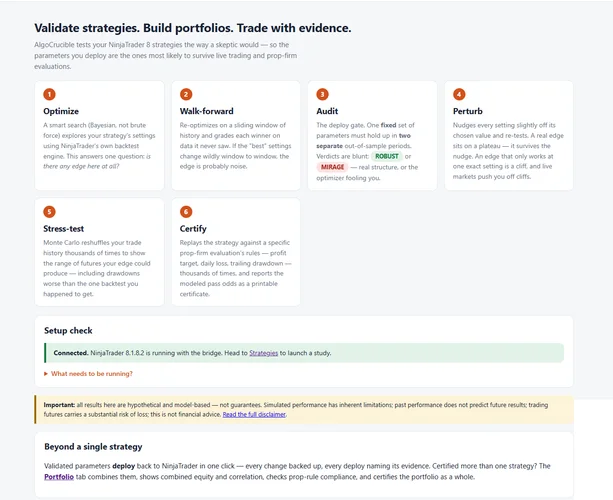
Validate NinjaTrader strategies and model prop firm evaluation rules.
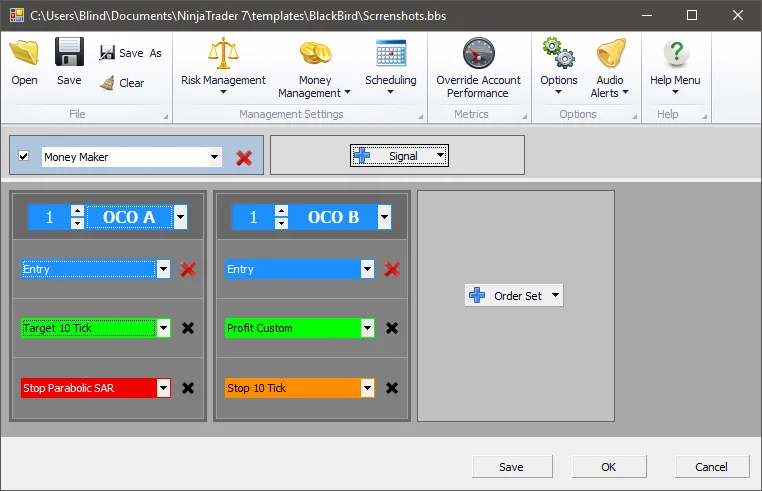
Build trading systems and manage trades inside NinjaTrader.
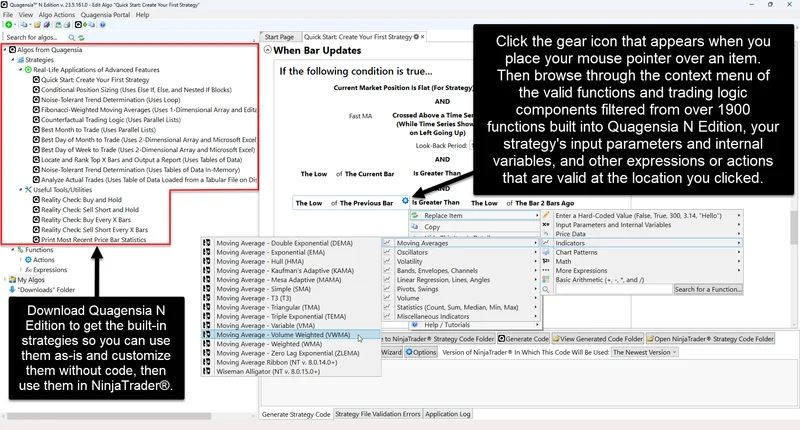
Build automated trading logic visually, without writing code.

Custom NinjaTrader strategy development for your trading rules.

Automated futures strategies for NinjaTrader 8.
Futures trading education and the Xtrend Algo tool.

Supply-and-demand trading education with live mentoring.

Official NinjaTrader training and futures trading education.

A trading community for research, discussion, and shared experience.