NinjaTrader Market Data Fees: Check Your Rithmic Entitlements
Compare NinjaTrader Brokerage data rates with your existing Rithmic access, separate recurring data charges from trade fees, and check before subscribing.
On this page
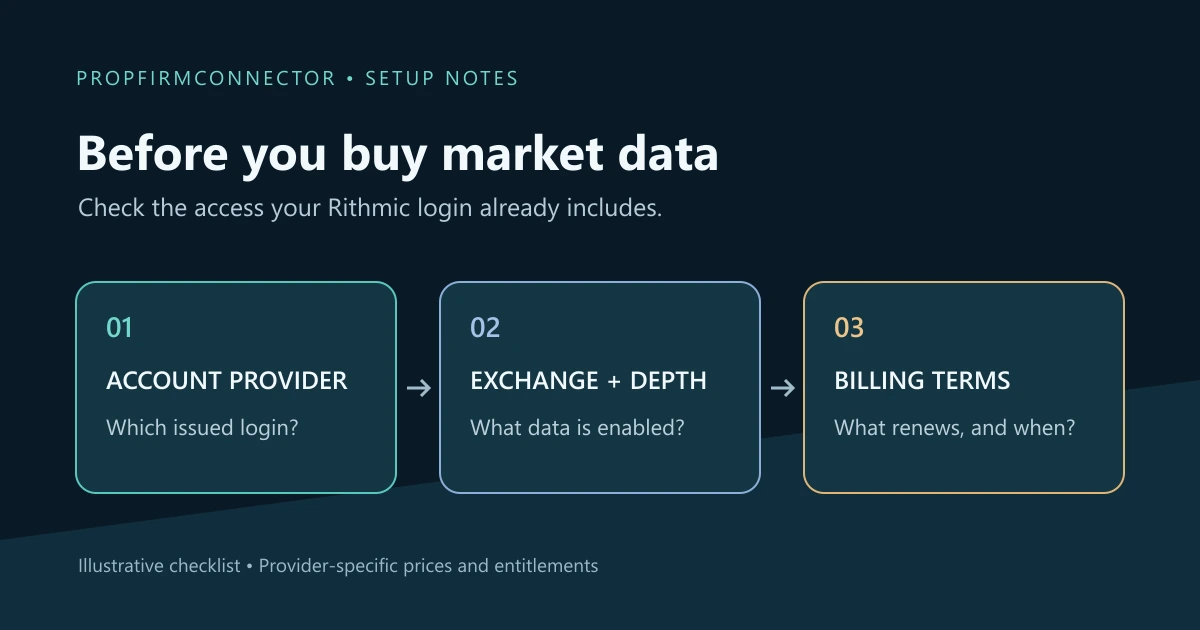
Before buying market data for NinjaTrader, check which provider supplies your quotes and what that login already includes. A platform plan, an exchange-data subscription and a connection add-on answer different needs. A NinjaTrader Brokerage price does not establish the charge for a prop firm’s Rithmic account.
NinjaTrader Brokerage rates: a scoped example
On November 6, 2026, NinjaTrader’s account and exchange fee schedule listed these monthly CME Group rates for non-professional users:
| Data level | One exchange | Four-exchange bundle |
|---|---|---|
| Level I: top of book | $4 | $12 |
| Level II: full depth | $16 | $48 |
The bundle covers CME, CBOT, NYMEX and COMEX. The same schedule says Level I is free when the account is funded; NinjaTrader’s cost explanation identifies this benefit as applying to funded NinjaTrader Brokerage accounts. That is different from a prop firm calling an account “funded.”
These are NinjaTrader’s published rates and conditions, not a universal Rithmic price list. Check the current schedule and your account’s subscription screen before purchase. Professional rates differ.
CME Group offers non-professional rates to qualifying retail subscribers. Use the classification recorded by your data provider rather than inferring it from an evaluation, simulated-funded or live account label.
Separate the charges on your bill
- Exchange data: access to quotes or market depth for the selected exchanges. Identify the subscription period and whether it is included in another package.
- Platform or feature access: the tools you can use. Do not treat access to a chart feature as proof that the required exchange data is enabled.
- Connection software: the route used to connect the account to the platform.
- Trade charges: commissions and other costs attached to execution. NinjaTrader lists Rithmic order routing separately from monthly exchange-data fees on its fee schedule.
For costs recorded against individual trades, use the commission-reporting guide. A recurring data subscription should not be mistaken for a per-contract commission rate.
Check existing access before adding a subscription
- Identify the issuer and login. Record the firm or broker, the Rithmic System and a masked login identifier. Several accounts shown under one login do not tell you how the provider bills data.
- Name the required exchange and data level. Check the instrument’s exchange, then whether the tool needs top-of-book quotes or market depth. The Level II guide explains the display and missing-depth checks.
- Read the actual package and renewal terms. Confirm what is included, any additional data charge, its billing unit, renewal date and cancellation terms. Do not assume another firm’s price or another login’s entitlement applies.
- Identify the feed NinjaTrader is using. NinjaTrader documents separate data-source and order-account selection. With multiple connections, connection order or a preferred-data setting determines the feed; selecting an account for an order does not itself select its market data.
For example, a chart receiving data through connection A does not establish that login B has the same exchange subscription. Confirm B’s entitlement with its issuer before purchasing or canceling anything based on that chart.
When the package is unclear, a useful question for the provider is:
For my Rithmic login [masked identifier], which exchanges and data levels are enabled, what is included in my account fee, and what separate recurring charges or renewal terms apply?
PropFirmConnector connects any Rithmic account to NinjaTrader 8. It supplies the connection layer, not a trade copier or a replacement for the provider’s data entitlements. Use the connection guides to set up the issued account after confirming its feed and data access.
Documentation and listed rates reviewed November 6, 2026. The cover is an illustrative checklist; no account-billing, speed or execution test is claimed.
PropFirmConnector publishes this article and sells the Rithmic connection add-on described on this site.