Micro vs Mini Futures in a NinjaTrader Multi-Account Setup
Compare micro and E-mini contract values, calculate follower exposure, and check NinjaTrader copier quantities without assuming equal counts mean equal risk.
On this page
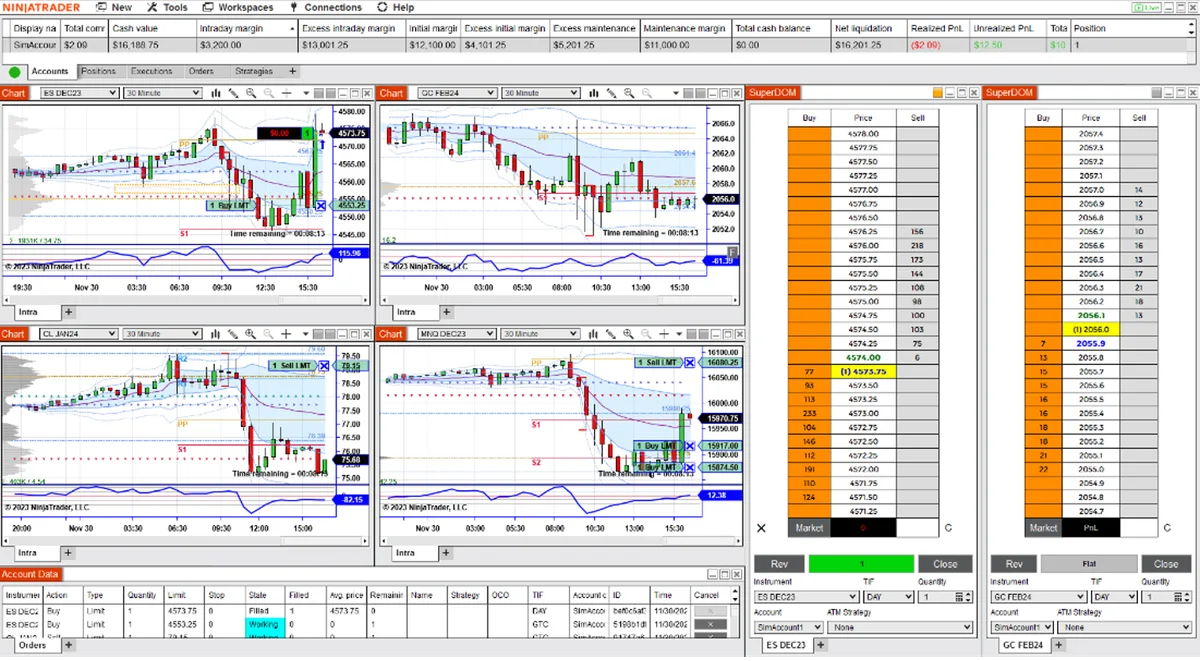
For the four equity-index pairs below, one Micro E-mini has one-tenth the dollar value per index point of its E-mini counterpart. Copying one ES contract into one MES contract therefore produces one-tenth the exposure to the same point move. Changing the instrument and changing the quantity are separate settings to check in a NinjaTrader copier.
Compare the matching contracts
The figures below use CME’s contract multipliers and outright tick increments. Dollar values are for one contract, before fees.
| Index: E-mini / Micro | Dollars per point: E-mini / Micro | Outright tick size | Dollars per tick: E-mini / Micro |
|---|---|---|---|
| S&P 500: ES / MES | $50 / $5 | 0.25 points | $12.50 / $1.25 |
| Nasdaq-100: NQ / MNQ | $20 / $2 | 0.25 points | $5 / $0.50 |
| Russell 2000: RTY / M2K | $50 / $5 | 0.10 points | $5 / $0.50 |
| Dow: YM / MYM | $5 / $0.50 | 1 point | $5 / $0.50 |
This table covers those four index pairs, not every futures product with “micro” in its name. Match the underlying index and intended expiry. ES and MNQ track different indices; a contract-count ratio alone does not make them equivalent.
Ten MES contracts have the same combined dollars per point as one ES. That is an exposure calculation, not a promise of equal fills, total fees or account treatment. FlowBots notes that mini and micro instruments have separate order books, so their execution can differ.
Calculate dollars per point before setting a ratio
Use:
Dollars per point = contract quantity × the instrument’s point value.
For an illustrative two-ES leader position, the total is 2 × $50 = $100 per point:
| MES follower quantity | Dollars per point | Share of the two-ES leader’s exposure |
|---|---|---|
| 2 MES | $10 | 10% |
| 5 MES | $25 | 25% |
| 20 MES | $100 | 100% |
For the same 10-point move, those follower positions change by $100, $250 and $1,000 respectively, before costs. The two-ES position changes by $1,000. Direction determines whether that move is a gain or loss.
These quantities illustrate the arithmetic; they are not recommended position sizes. Check the follower’s own position limit and remaining loss allowance, plus whether its firm permits the proposed copying and quantity scaling. The copy-trading guide separates those account-policy checks from software capabilities.
A 10:1 contract relationship also does not establish a 10:1 margin or fee schedule. Use the account provider’s current terms. The margin and drawdown guide explains why those are separate limits. When reconciling net results, the NinjaTrader commission guide explains the reporting settings to check.
Instrument conversion does not guarantee quantity conversion
A copier may offer separate controls for the follower’s symbol and its quantity. Read its calculation rather than inferring it from a label such as “micro.”
For example, FlowBots documents Replikanto Cross Order and Ratio separately. Cross Order alone keeps the contract count unchanged. Ratio multiplies the leader’s quantity:
- A two-ES leader copied to MES at a quantity ratio of 1 produces two MES, or $10 per point.
- A quantity ratio of 2.5 produces five MES, or $25 per point.
- A quantity ratio of 10 produces twenty MES, or $100 per point.
Those examples assume the MES destination is selected, the orders are permitted and the documented Ratio method is in use. They are not settings to apply to every copier.
Check small orders and exits too. FlowBots documents rounding down for its Ratio calculation: three leader contracts at 0.5 become one follower contract; one at 0.5 becomes zero and is not copied. Review the installed version’s treatment of partial fills and split exits rather than assuming an entry-size calculation covers every order.
Check the NinjaTrader setup before enabling copying
- Confirm the instrument definition. Use the futures-symbol lookup guide if the instrument or provider mapping is unclear. Open Control Center → Tools → Instruments, then inspect the selected instrument. NinjaTrader documents Point value and Tick size as separate fields. Inspect them; do not change predefined values to force a desired exposure.
- Confirm both expiries. Check the leader and follower’s full contracts, not just ES or MES. Use the rollover checklist when changing contract months.
- Write down the expected follower quantity. Include the instrument mapping and quantity method. Check whole-number results for each entry size you actually use.
- Verify in simulation. Use designated simulation accounts and confirm every selected leader and follower before placing test orders. Inspect the instrument, account and quantity in the Orders tab and the resulting Positions tab. Account filters can hide orders.
- Check the protective orders separately. Verify that follower stops, targets and quantities match the intended workflow. The ATM Strategy guide explains the distinction between an exit template and copier behavior.
PropFirmConnector connects any Rithmic account to NinjaTrader 8. It provides the connections; your copier controls instrument conversion and follower quantities. Use the connection guides for account setup.
Documentation reviewed October 26, 2026. Calculations are hypothetical examples based on published contract specifications, not results from live account or copier tests.
PropFirmConnector publishes this article and sells the Rithmic connection add-on described on this site.