Guides
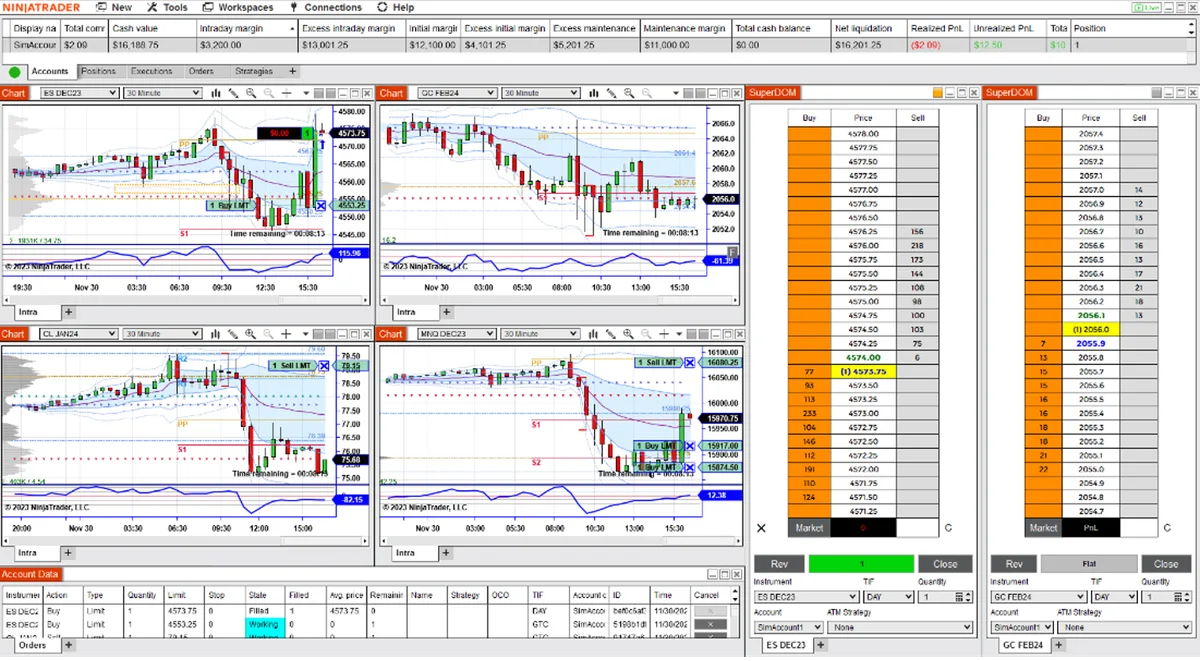
Futures Margin vs Prop Firm Drawdown in NinjaTrader
Separate brokerage margin from prop-firm drawdown and check the limits on each connected account.
NinjaTrader guides, Rithmic updates, and partner news.
Separate brokerage margin from prop-firm drawdown and check the limits on each connected account.
Compare stop triggers, limit prices and local simulated stops, then inspect working orders on each Rithmic account.
Compare contract values and follower quantities before mixing micro and E-mini futures in a NinjaTrader setup.
Check chart sessions and time zones, then distinguish missing bars from connection issues and account trading cutoffs.
Save layouts, choose backup contents, and verify restored charts, add-ons and Rithmic connections on another computer.
Check Windows requirements, workspace resources, remote-session policies and the separate Rithmic connection setup.
Set per-side commission estimates, assign them to the right account, and compare local reports with provider charges.
Open Level II and diagnose missing depth by checking the display, exchange access and active data connection.
Change contract expiries and check every account, order window and copier destination before resuming your workflow.
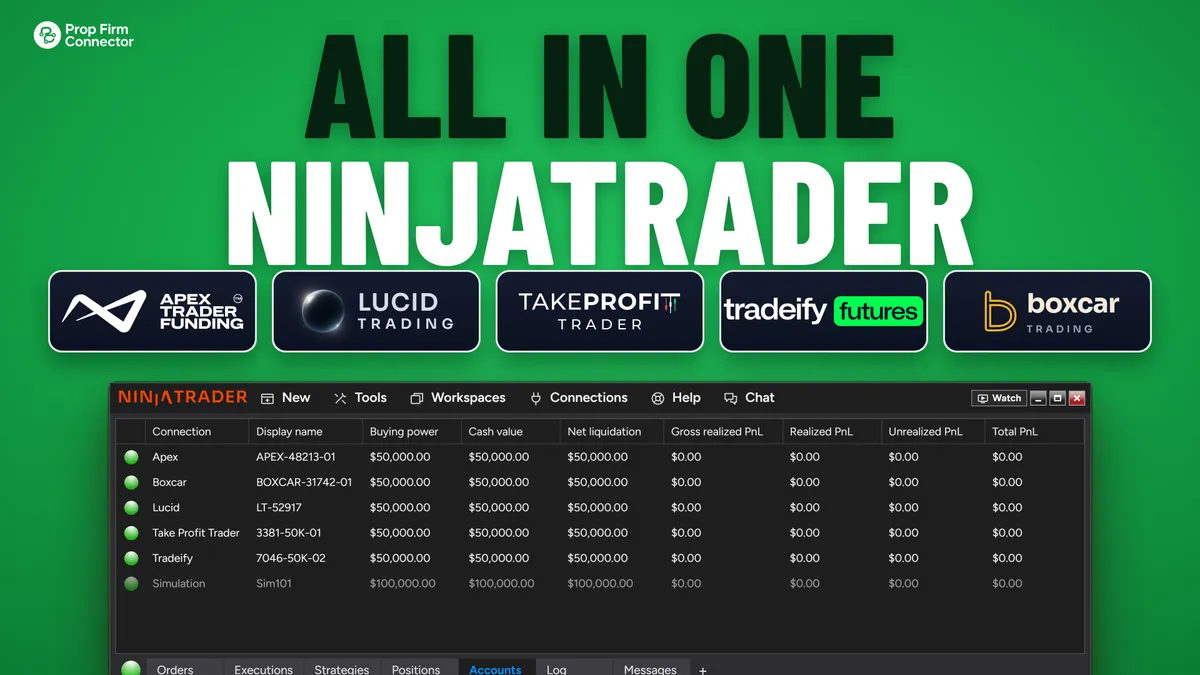
Apex, Lucid, TakeProfit Trader, Tradeify and Boxcar connected at once in one NinjaTrader 8, with each firm’s System and login location.
Prepare recorded data and rehearse order entry in Playback101, with clear limits on what replay practice verifies.
Choose between local Sim101 and your issued Rithmic account, then check simulation mode, copier destinations and resets.